How to delete an Email Template
Please note that you can only delete an email template if it is not a Quickshare template.
As an admin, you can delete an email template. Here’s a step-by-step guide to walk you through the process. There are two ways for you to delete the template:
In the main navigation menu, click Email Templates to access your list of templates.
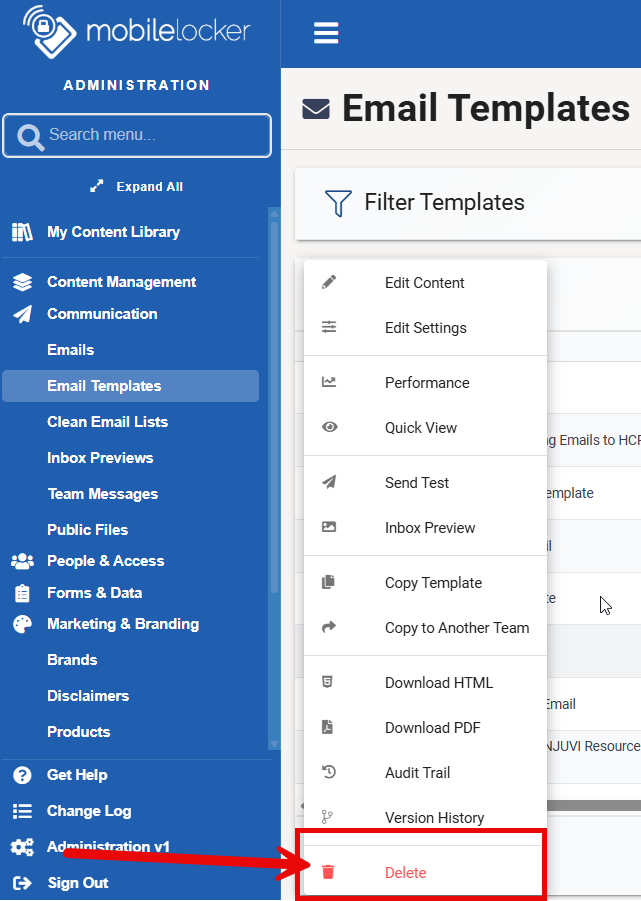
Find the template you wish to delete and click Options.
In the dropdown menu, you'll see a Delete option. Click it to remove the template.
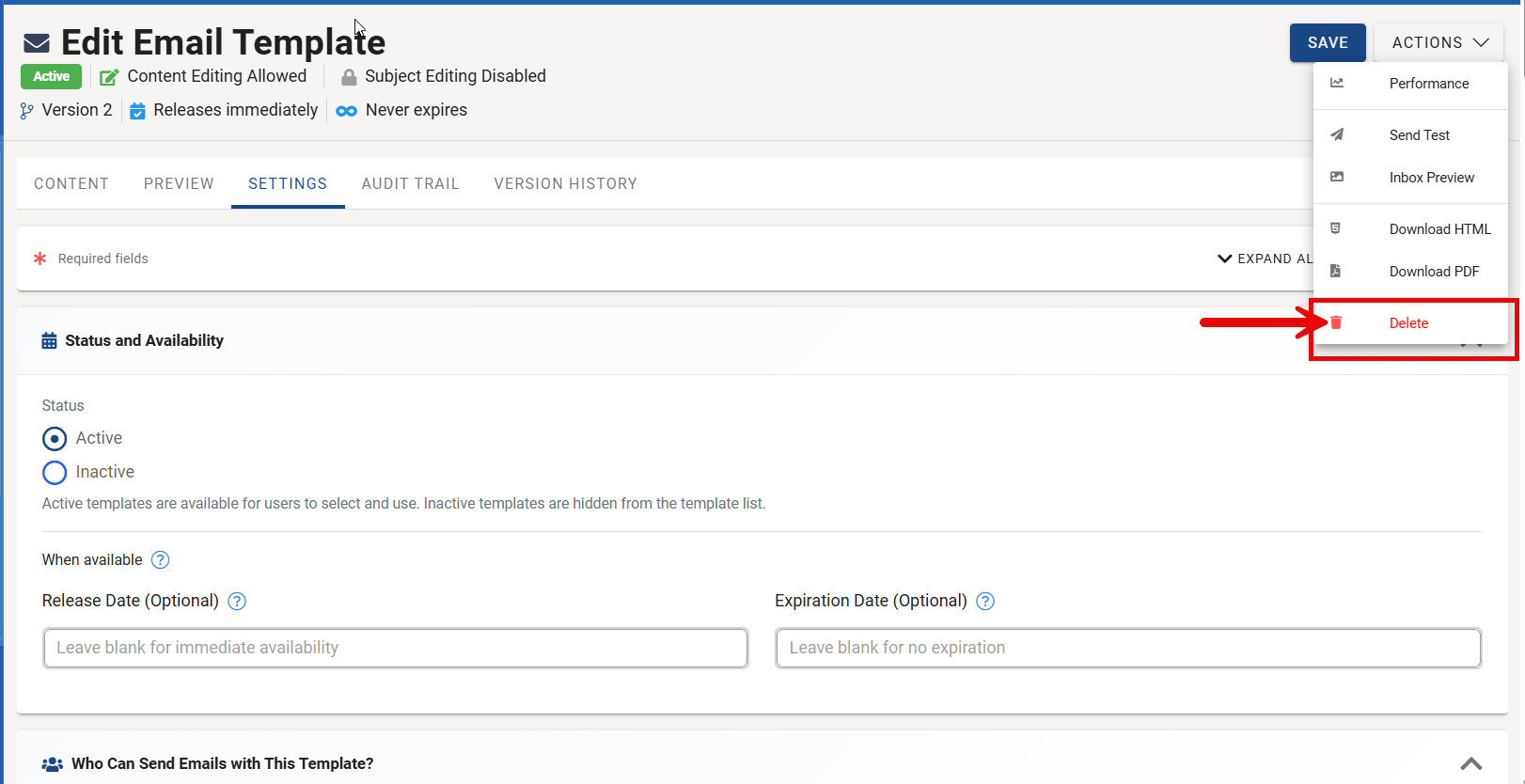
Another way to delete a template is to click Edit Settings, go to the Actions dropdown menu, and then click Delete.
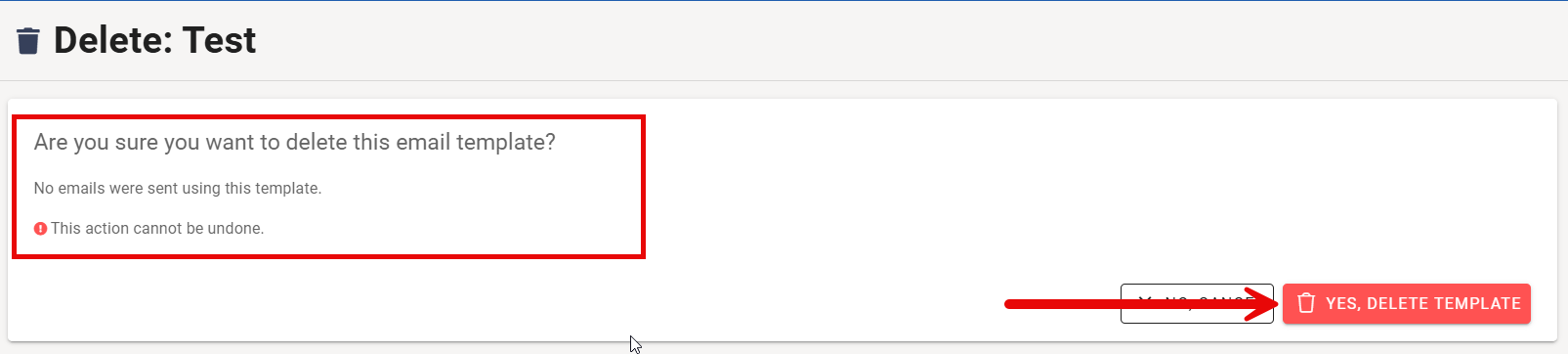
Once you click Delete, you will see this message prompt.
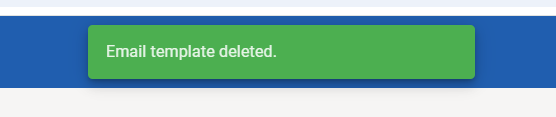
If you delete it, you'll see a message that says the email template has been deleted, and you'll be taken back to the email templates screen.