How to reload your CRM Customers on iPad or iPhone
The iOS app stores your CRM customers offline. If your territory has changed or your Mobile Locker admin requests it, please follow these instructions to clear the customers from the app and reload them.
Tap the Customer button in the top bar.

Tap Update in the bottom left corner.

Tap Download all customers.

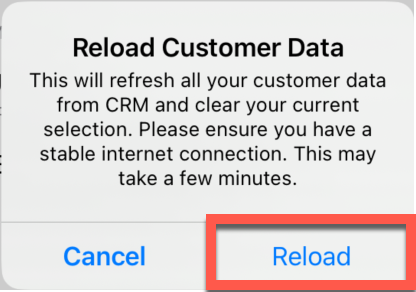
Tap Reload.
Your active customers will download.