
How to update from Google Play
The Android app updates from Google Play. There is no in-app Check for updates button like the Windows app, and there is no Apple App Store.
Work profile. If IT installed Mobile Locker in a work profile, they may control when updates arrive. Use the work Play Store, or ask IT.
Update from Play Store
- Open the Play Store.
- Tap your Google account picture (or Menu).
- Tap Manage apps & device (wording can vary by Play Store version).
- Find Mobile Locker.
- If an update is available, tap Update.
You can also open the listing and tap Update: Play Store: Mobile Locker.
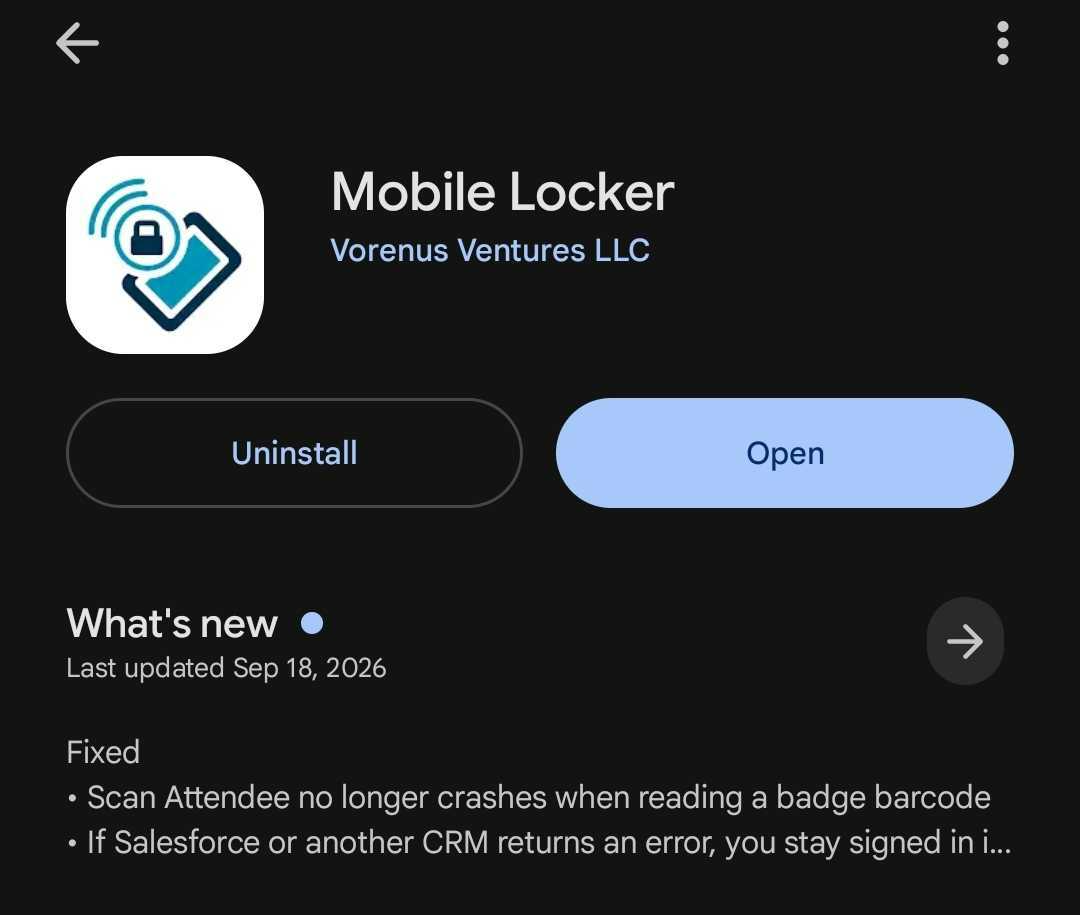
To allow automatic updates: on the Play listing, tap the three dots and turn on Enable auto-update if your company allows it.
After an update, open Mobile Locker and sign in if the app asks. Your account stays the same.