
Uninstall Mobile Locker on Android
Remove the Mobile Locker Android App from this device. Your Mobile Locker account on the server is not deleted.
If IT installed the app in a work profile, ask them before you uninstall. They may push it again from managed Play.
Uninstall from Android Settings
- Open Android Settings.

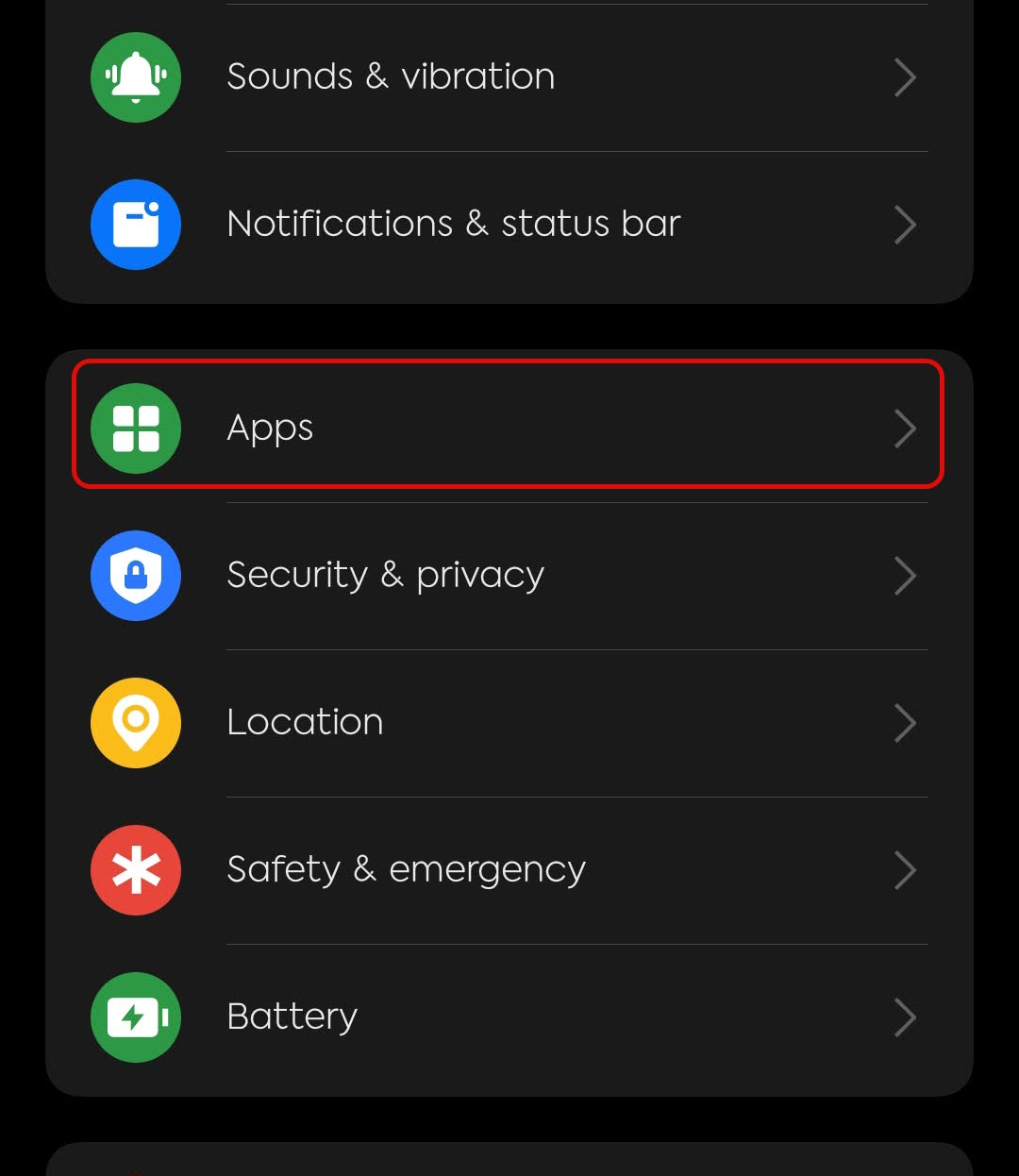
- Tap Apps (or Apps & notifications).
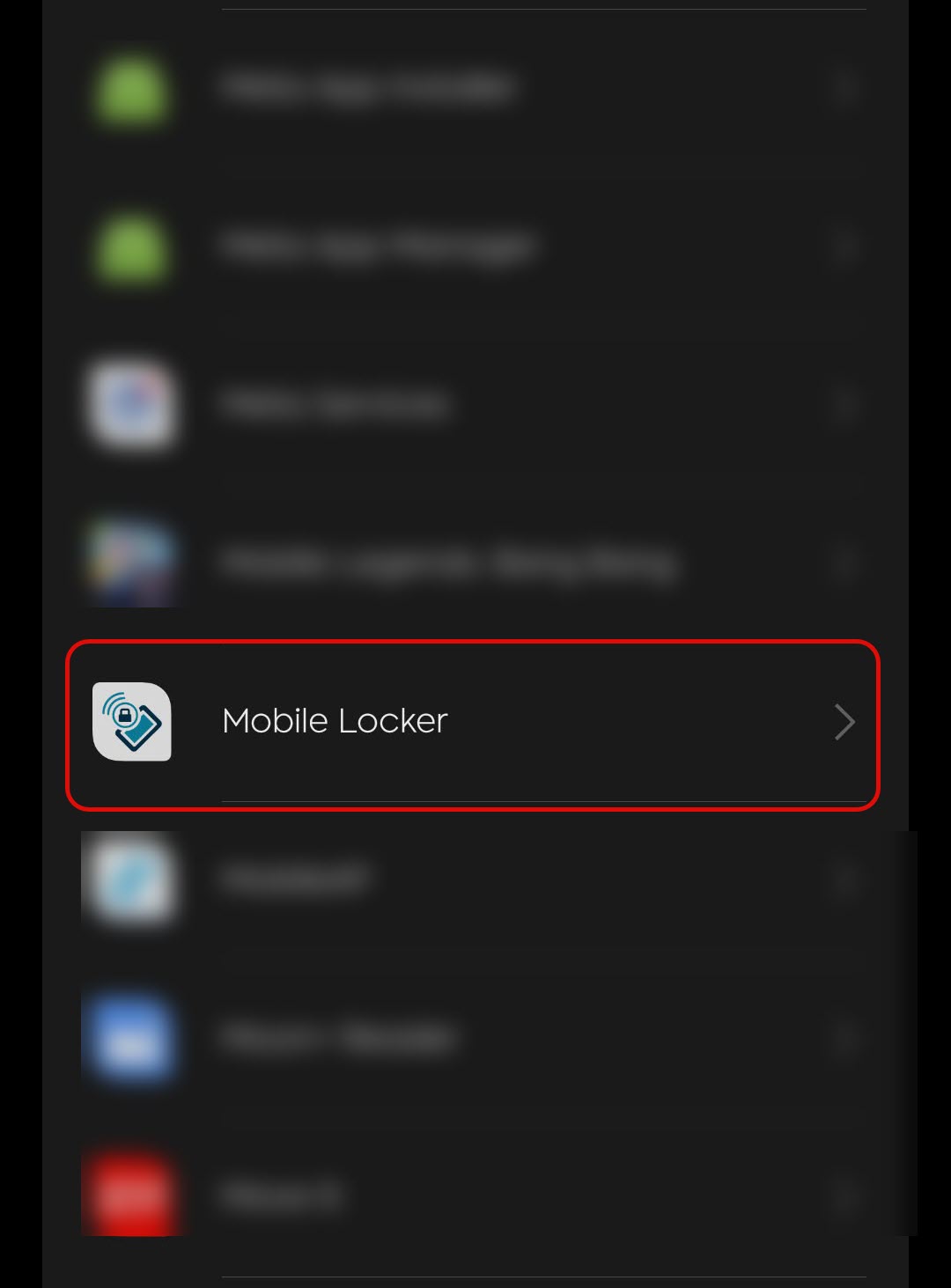
- Tap Mobile Locker.
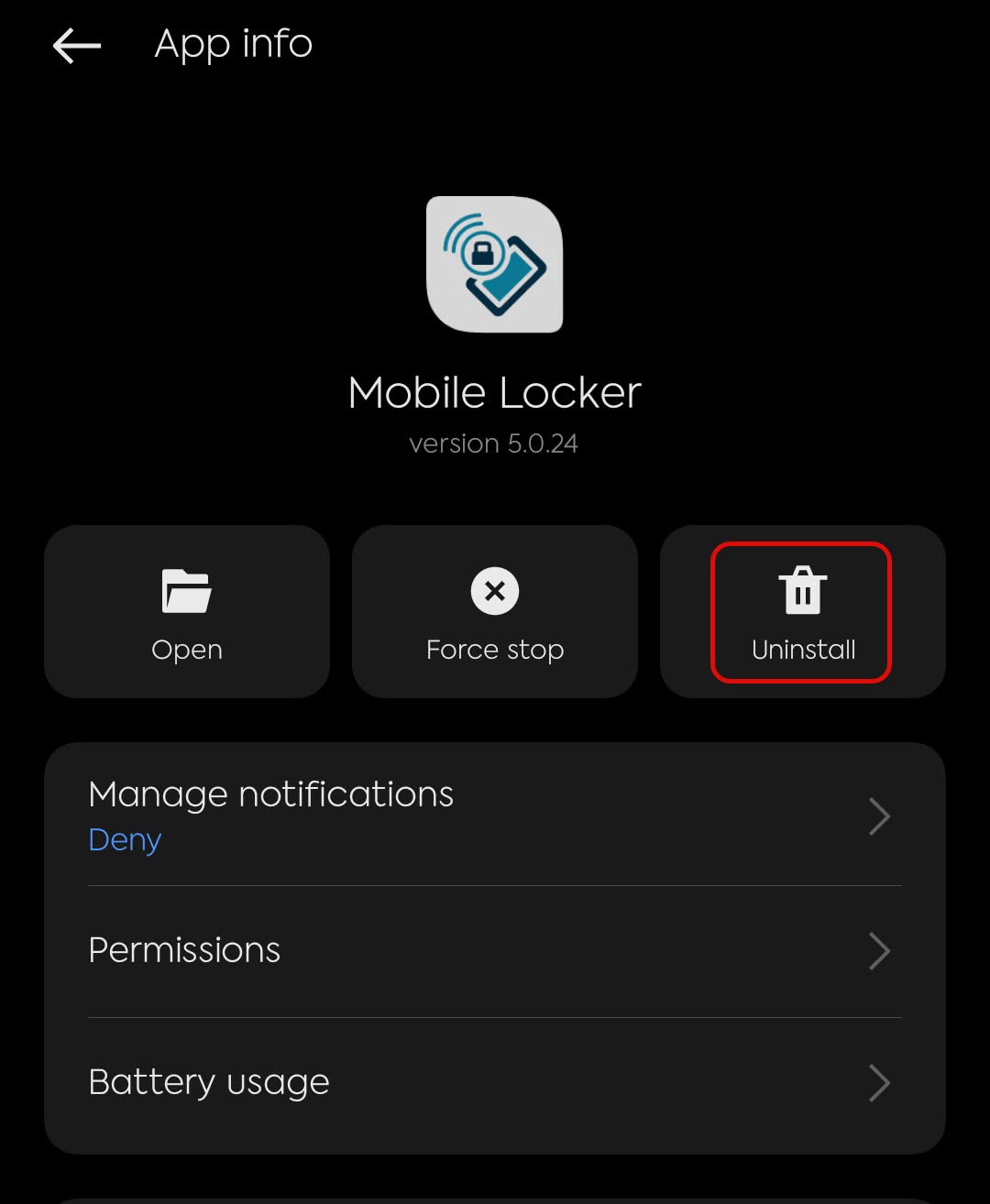
- Tap Uninstall and confirm.
You can also press and hold the Mobile Locker icon on the home screen or app drawer, then tap Uninstall or drag it to Uninstall.
Local downloaded presentations on this device are removed with the app. Sign in again after you reinstall from Play Store.